Restaurant inventory management software gives operators a clearer view of ingredients, purchasing, usage, waste, and stock across one or more locations. When inventory information is current and connected to daily operations, managers can make better purchasing decisions before food cost problems appear in the monthly numbers.
For US restaurants facing variable ingredient prices, labor constraints, and tight margins, inventory control is not just a back-office task. It affects menu availability, cash flow, guest satisfaction, and the amount of food that becomes waste. The goal is not to count more often. The goal is to turn each count, invoice, recipe, and sales signal into a useful operational decision.
What restaurant inventory management software does
A modern inventory platform creates a shared system for recording what a restaurant buys, stores, transfers, prepares, sells, and discards. Instead of relying on disconnected spreadsheets and handwritten counts, teams work from consistent item names, units, recipes, vendors, and location data.
The strongest systems connect inventory with ordering, purchasing, menu data, and reporting. That connection helps operators compare theoretical ingredient usage with actual stock movement, find unusual variance, and improve forecasting. It also supports the broader benefits of AI restaurant management software by giving its recommendations cleaner operational data.
Why inventory visibility protects restaurant margins
Inventory problems rarely come from one dramatic mistake. More often, profit leaks through small over-orders, inconsistent portions, unrecorded waste, spoilage, duplicate purchasing, missed transfers, and prices that changed without a menu-cost review. A connected platform makes those patterns easier to detect.
- Less over-ordering: purchasing starts from current stock and expected demand.
- Fewer stockouts: managers can see low-stock risks before service.
- Better cash control: less money is tied up in slow-moving inventory.
- Lower waste: teams can record causes and address recurring problems.
- Clearer accountability: counts, transfers, and adjustments have a consistent history.
- Faster decisions: operators can compare locations, categories, and time periods without rebuilding reports.
The US Environmental Protection Agency recommends preventing wasted food at the source and using measurement to identify where waste occurs. Inventory software supports that approach by making purchasing, usage, and waste data easier to review together.
Eight capabilities to look for
1. Simple, repeatable stock counts
Counting should work on a phone or tablet, support the units your restaurant actually uses, and preserve a clear audit trail. If the process is slow, managers will delay it and data quality will decline.
2. Recipe and ingredient usage
Recipe mapping converts menu sales into expected ingredient usage. This allows a restaurant to compare theoretical consumption with actual counts and investigate material variance.
3. Reorder alerts and par levels
Useful alerts account for current stock, lead times, upcoming demand, and location-specific needs. Static minimums can help, but dynamic recommendations are more valuable when sales patterns change.
4. Purchase orders and vendor records
Purchase orders should connect requested, received, and invoiced quantities. Managers need to see vendor history, price changes, substitutions, and discrepancies without searching through email threads.
5. Waste and variance tracking
A useful waste log captures the item, amount, cause, time, and location. Categories such as spoilage, preparation error, overproduction, and returned food help leaders choose the right response.
6. Demand forecasting
Forecasting can use sales history, weekday patterns, seasonality, events, and promotions. Managers should be able to understand and adjust recommendations rather than treating the forecast as a black box.
7. Multi-location controls
Restaurant groups need shared item definitions, location-specific pars, transfer tracking, user permissions, and comparable reporting. See our multi-location restaurant management guide for a broader operations framework.
8. Actionable reporting
Reports should answer operational questions: Which ingredients increased most in cost? Where is variance highest? Which items are approaching expiration? Which location needs attention today? A shorter report that leads to action is more useful than a dense dashboard nobody reviews.
How to implement inventory software without disrupting service
- Standardize the item list. Remove duplicates and define consistent names, pack sizes, units, and categories.
- Prioritize high-value ingredients. Begin with proteins, alcohol, dairy, oils, and other items that materially affect food cost.
- Map recipes carefully. Include realistic yields, trim, and preparation loss.
- Choose a count routine. Define who counts, when it happens, and how discrepancies are reviewed.
- Train with real workflows. Practice receiving, transfers, waste, and adjustments—not only login steps.
- Review a small metric set weekly. Track inventory value, waste, variance, stockouts, and major vendor price changes.
- Expand after the data is trusted. Add forecasting and automation after the team consistently records the basics.
Common mistakes to avoid
- Automating an inaccurate item list
- Using different units for purchasing and counting without conversions
- Ignoring recipe yields and preparation loss
- Measuring waste without assigning causes
- Sending too many alerts to managers
- Rolling out every location before testing one complete workflow
- Buying software without confirming integrations and data ownership
How PlatterOS supports connected inventory decisions
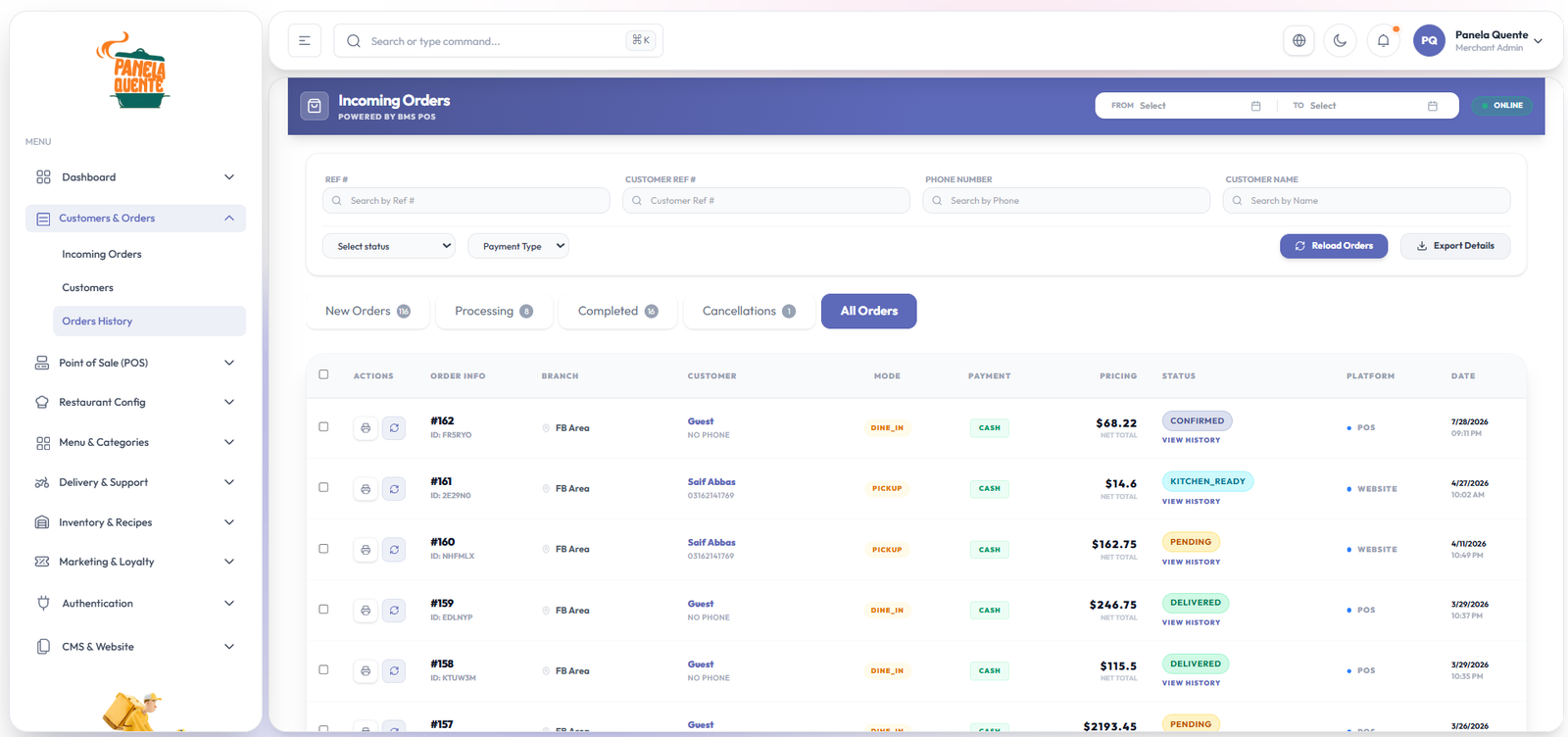
PlatterOS brings restaurant operations into one connected workspace so teams can understand inventory in context—not as an isolated spreadsheet. Operators can combine stock visibility with purchasing, orders, customer activity, reporting, and multi-location oversight. Explore the platform features and pricing to see how it fits your operation.
Frequently asked questions
Can inventory software reduce food waste?
It can help teams measure waste, spot recurring causes, improve purchasing, and adjust production. Results depend on accurate records and consistent management action.
Does a single-location restaurant need inventory software?
A smaller restaurant may benefit if manual counting is consuming management time, food cost is difficult to explain, or stockouts and waste are recurring. The software should match the restaurant’s complexity and remain easy for the team to maintain.
What should be measured after implementation?
Start with count completion, inventory value, waste by cause, actual-versus-theoretical variance, stockouts, and major purchase-price changes. Add more metrics only when they support a clear decision.
Build a clearer inventory workflow
Book a PlatterOS demo to discuss your restaurant’s locations, purchasing process, and reporting needs.
Sources: US Environmental Protection Agency; National Restaurant Association inventory guidance.